Practical Excel Training

Excel Training

Build confidence. Work smarter. Turn data into useful insights.

Develop practical Excel skills for everyday workplace tasks—from organising spreadsheets and using formulas to analysing data and creating clearer reports. Choose Basic, Intermediate or Advanced training based on your team’s current skills and work requirements.
Basic · Intermediate · AdvancedHands-on learningIn-house customisation
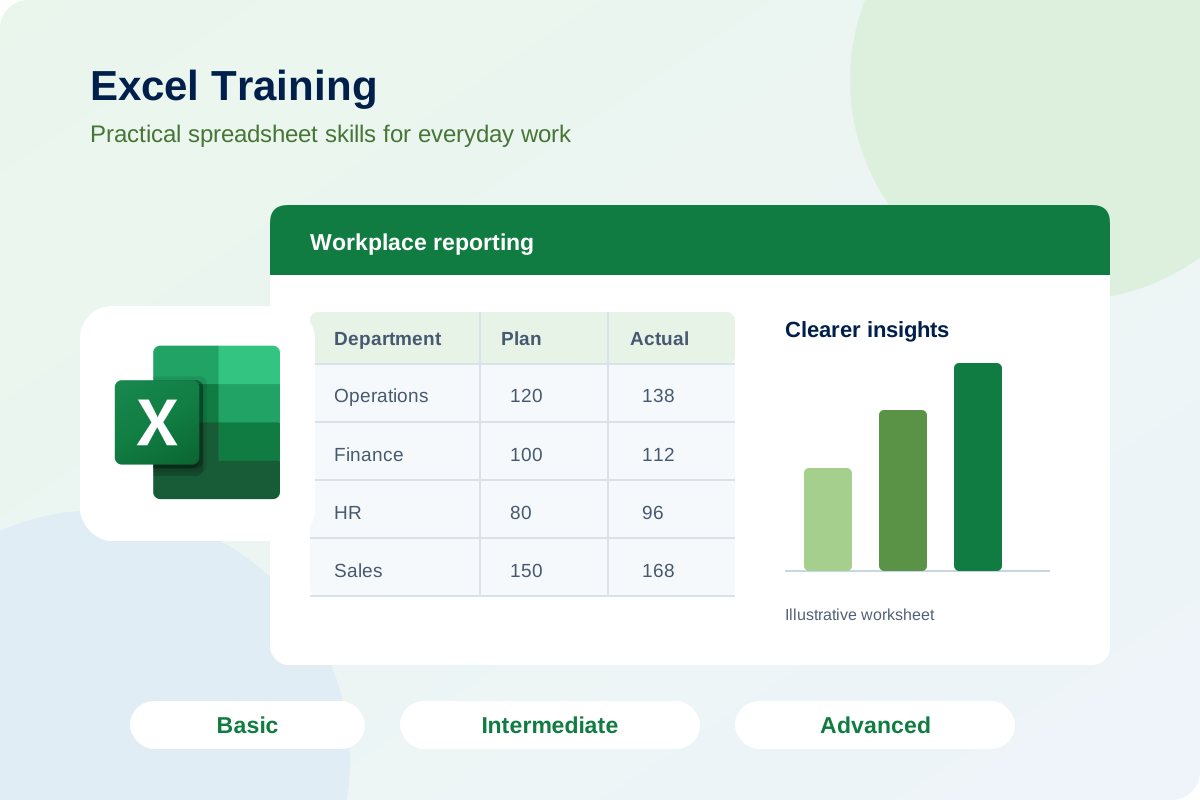
Microsoft Excel logo with an illustrative spreadsheet and reporting chart
Who it is for

Administrative staff, HR teams, finance personnel, sales support, purchasing, operations staff, executives and managers

Delivery & duration

In-house training · duration tailored to your selected level

Location

Johor Bahru & across Malaysia

Learning outcomes

  1. Organise workplace data

    Build well-structured, readable worksheets for everyday tasks.

  2. Use formulas confidently

    Select functions and techniques suited to your current Excel level.

  3. Analyse and present information

    Create clearer summaries, charts and reports.

  4. Improve reporting efficiency

    Apply practical methods to increase accuracy and simplify recurring work.

Excel skills for every stage of your work

Hands-on exercises using realistic workplace examples. Training can be adapted to your team’s Excel level, job functions and reporting needs.

Choose the level that matches your team. We will confirm the appropriate duration, course content and Excel version requirements when planning your programme.

Build practical skills with Microsoft Excel

Microsoft ExcelBasic · Intermediate · Advanced
01Basic — Build a Strong Foundation

For beginners and employees who need greater confidence using Excel.

  • Enter, organise and format data.
  • Use basic formulas and functions.
  • Sort and filter information.
  • Create simple charts and prepare worksheets for printing.
02Intermediate — Improve Everyday Productivity

For employees who use Excel regularly and want to work more efficiently.

  • Apply logical, conditional and lookup functions.
  • Clean and organise workplace data.
  • Use tables, conditional formatting and data validation.
  • Summarise information with PivotTables and charts.
03Advanced — Analyse Data and Simplify Reporting

For experienced users who manage complex spreadsheets and recurring reports.

  • Apply advanced formulas and lookup techniques.
  • Combine and transform data using Power Query.
  • Build interactive reports with PivotTables, charts and slicers.
  • Improve spreadsheet accuracy and streamline repetitive reporting tasks.

What your team takes away

Practical spreadsheet skills

Techniques matched to your team’s Excel level and daily responsibilities.

Useful workplace exercises

Practise working with data, formulas and reports relevant to your role.

Clear next steps

Identify how to apply your new Excel skills at work.

Feedback from an Intermediate Excel session

Overall participant evaluation

4.49 / 5

Best Petrol & Diesel Supply (M) Sdn Bhd

Intermediate Microsoft Excel · 12 September 2026

16 participants · Trainer rating: 4.56 / 5

Ratings reflect the Intermediate Excel session shown. Open the result for evaluation details and context.

Specialist Excel trainers

Trainer selection is matched to your team’s level, job functions and learning requirements. Ask us for the proposed trainer profile when discussing your programme.

Meet Our Associate Trainers →
HRD Corp Registered Training Provider

HRD Corp information

Talent Connect is an HRD Corp Registered Training Provider. Course claimability and employer grant eligibility are to be confirmed before booking.

Ready to strengthen your team’s Excel skills?

Tell us about your team’s current Excel level, work tasks and reporting needs.

Discuss Your Training Needs
Digital Workplace Skills

Intermediate Microsoft Excel

Best Petrol & Diesel Supply (M) Sdn Bhd
12 September 2026 · 16 participants
Trainer: Lim Chai Chiet

Training context

Intermediate Microsoft Excel training for the client’s team, with feedback covering course content, delivery and participants’ readiness to apply their learning at work.

Participant evaluation

Average session ratings on a five-point scale
Course content4.52 / 5
Trainer rating4.56 / 5
Training provider / organiser4.41 / 5
Overall evaluation4.49 / 5

Self-reported confidence & readiness

Before training3.00 / 5
After training4.39 / 5

Average across three self-assessed readiness statements.

Feedback highlight

Self-rated ability to implement the skills learned and help others increased from 3.00/5 to 4.50/5.

Ratings are reproduced from the session report. Evaluation counts vary by measure. Confidence and readiness scores are self-reported.